Monitors
From a $150 esports panel to 540Hz OLED.
Shop by brand
Products
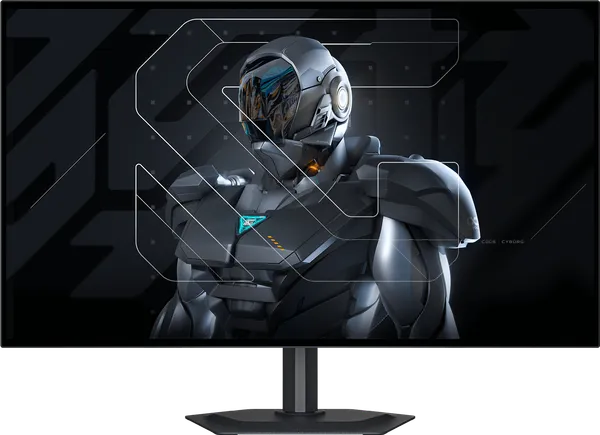
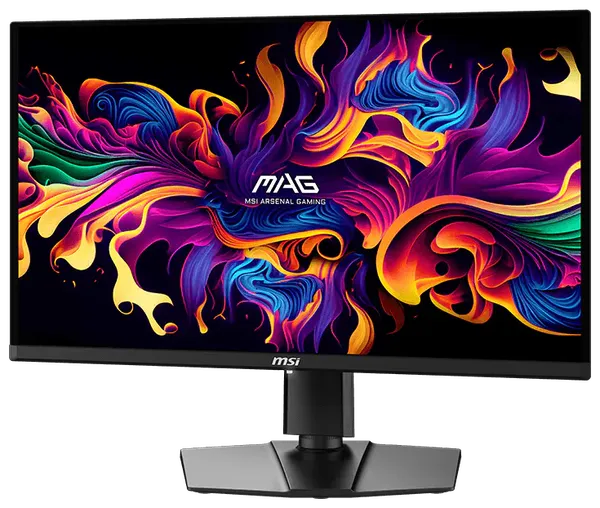
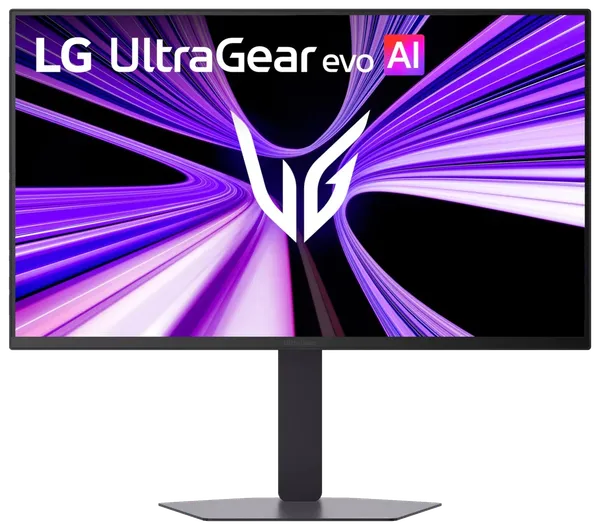
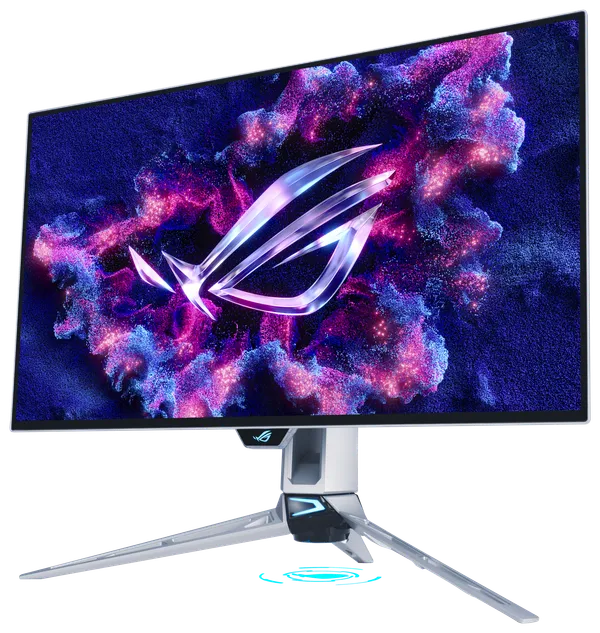
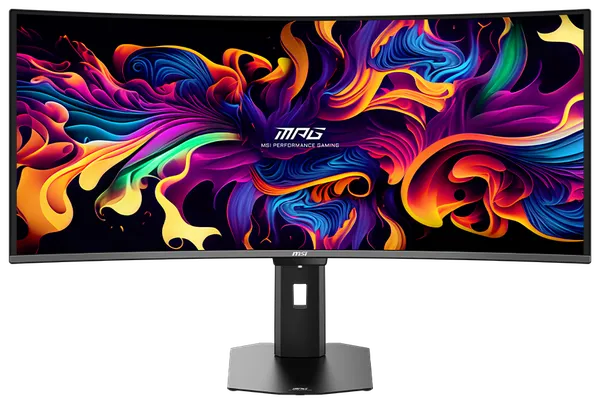
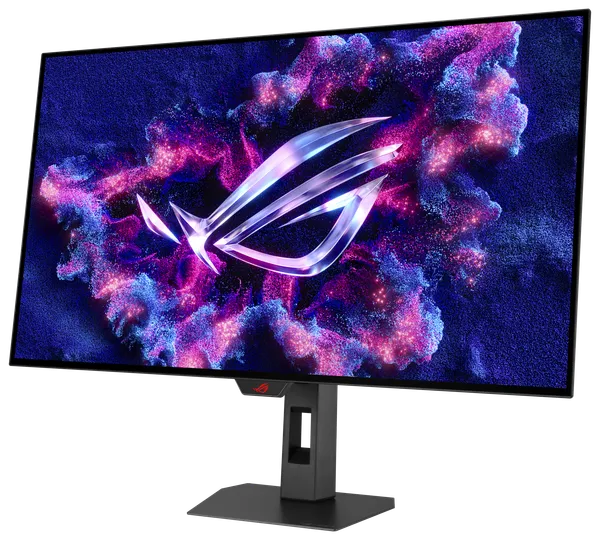
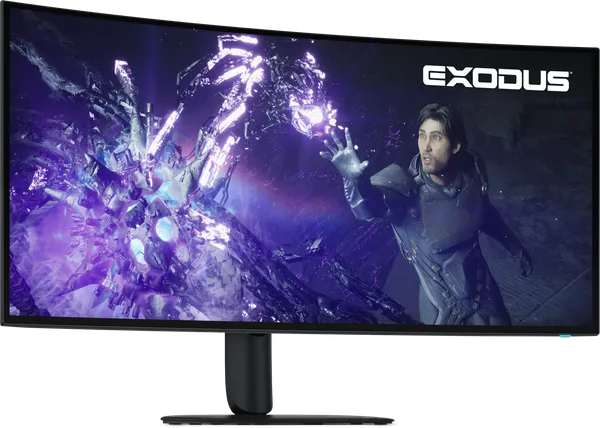
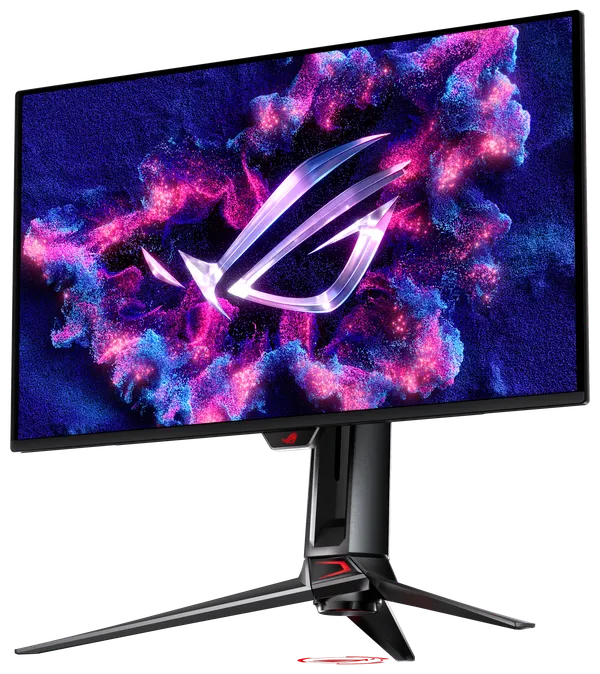
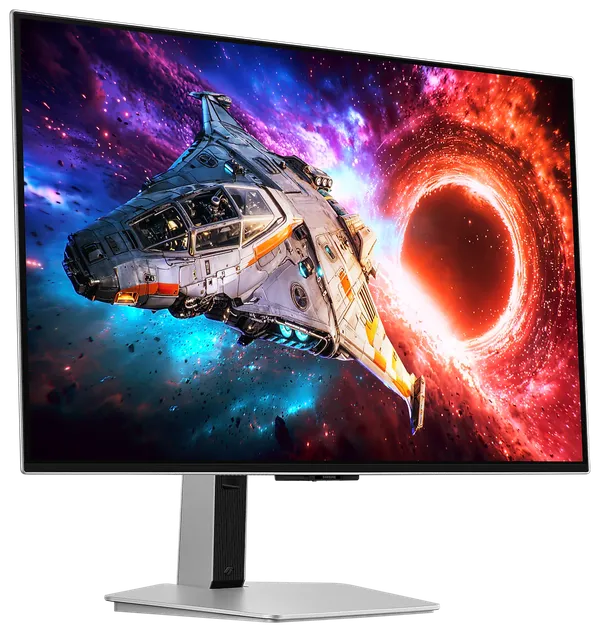
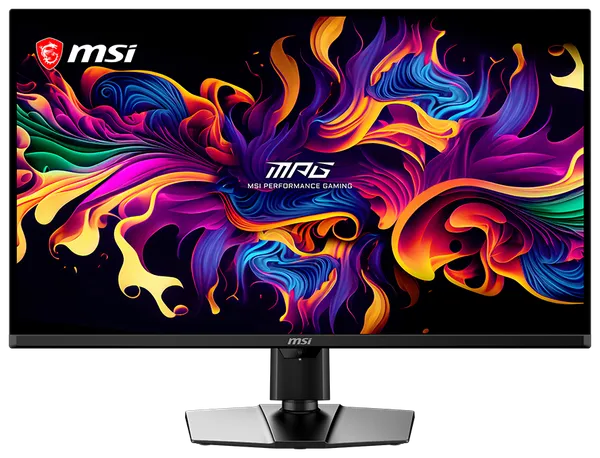
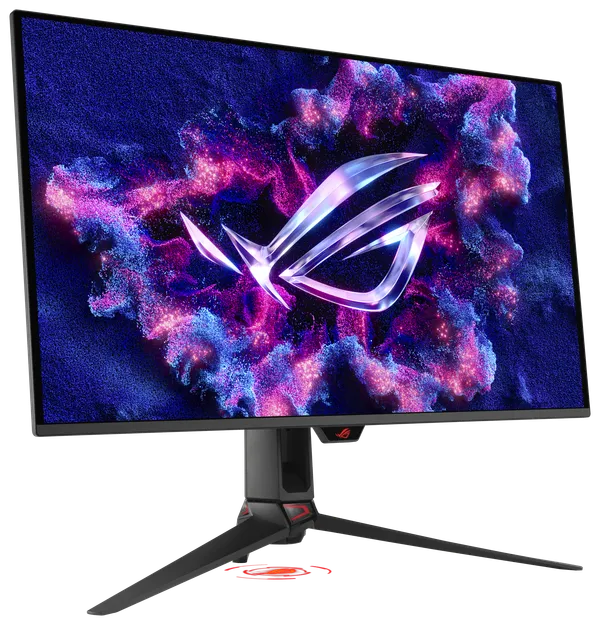
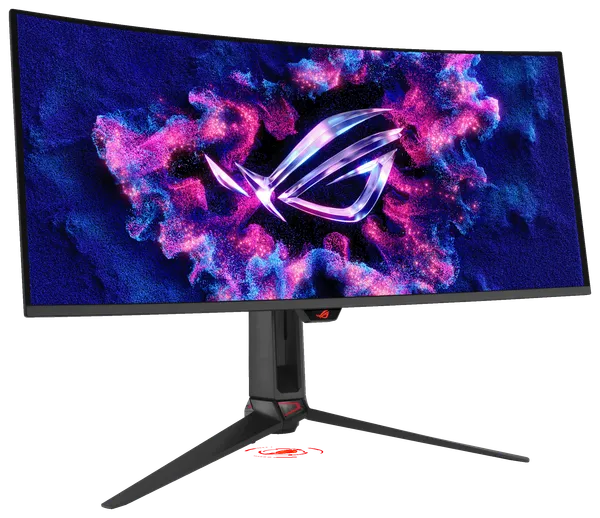
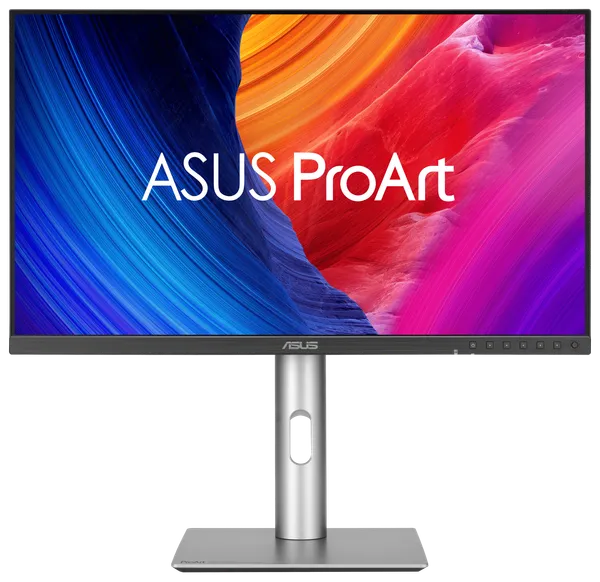
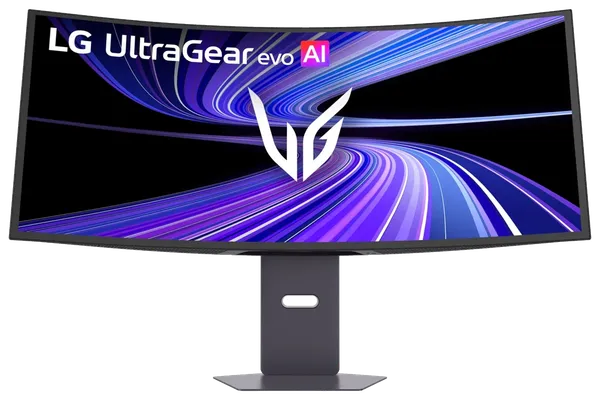
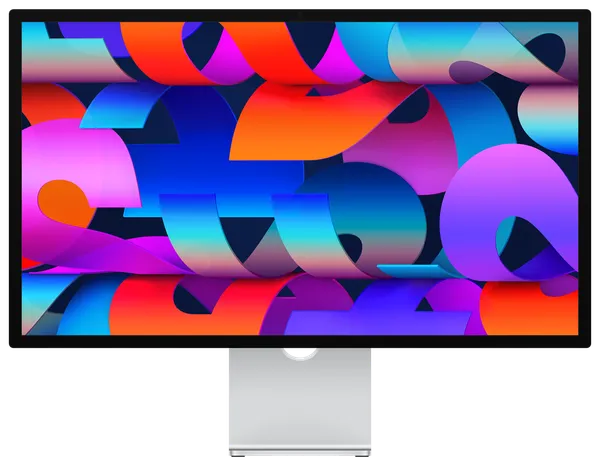
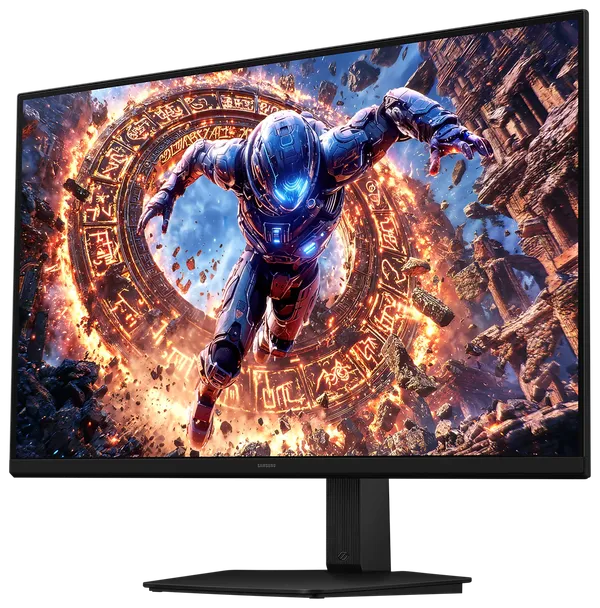
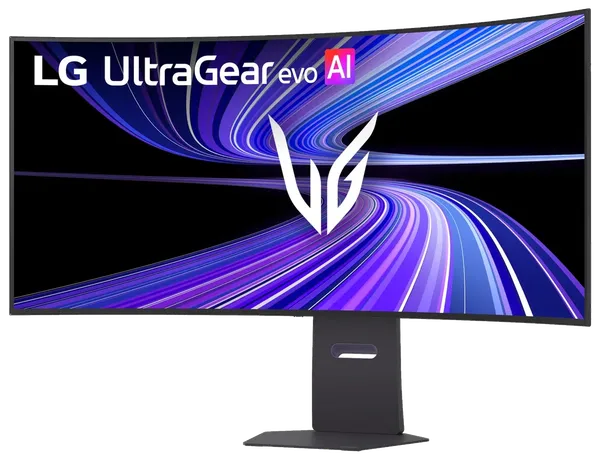
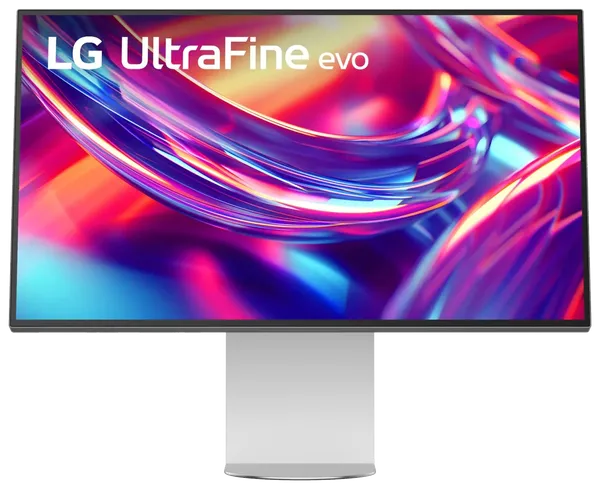
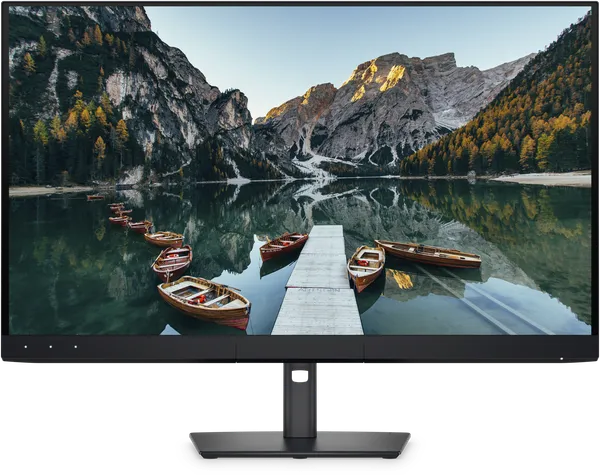
Nothing here matches those filters.
How to choose a gaming monitor
Pair the resolution with your graphics card. 1080p suits esports and mid-range cards, 1440p is the sweet spot for cards like the RTX 5070, and 4K is for an RTX 5080 or 5090. Refresh rate matters most in competitive games: 240Hz and above makes fast motion clearer, as long as your PC can produce the frames.
OLED panels, including QD-OLED, switch pixels almost instantly and show true blacks, which makes them the best choice for fast games and dark scenes. To keep burn-in risk low, leave the monitor's pixel-refresh features on and avoid bright static elements for hours at a time. Fast IPS panels cost less and get brighter on a static desktop.
Use DisplayPort or HDMI 2.1 to reach high refresh rates at high resolution. Orders have a $399 minimum, so a lower-priced monitor can be combined with other products in the same order.
Monitors: questions
Is OLED worth it for gaming?
For fast games and dark scenes, yes: near-instant response and perfect blacks. The trade-off is a small risk of burn-in from static images, which the panels' built-in care features reduce.
What refresh rate should I get for 1440p?
240Hz is a good target for most 1440p gaming. Competitive players with high-end graphics cards can use 360Hz or more.
What if a monitor arrives faulty?
Dead-on-arrival items are replaced or refunded. Unopened monitors can be returned within 30 days, and opened ones are covered by the manufacturer's warranty, which we help you claim.
Is there a minimum order for monitors?
Yes, the minimum order is $399 in products, so a lower-priced monitor can be combined with other items. Orders of $999 or more ship free.